Coding has become almost a buzzword these days and it seems like everyone is learning it or wants their kids to learn it. There are even coding games for preschoolers! However, most coding requires a computer and screen time, which many parents want to limit for their kids. Luckily, there are some screen-free games to help teach coding, including Code Master by Thinkfun.
This post may contain affiliate links, meaning if you click on it and make a purchase, I’ll receive a small commission at no cost to you. As an Amazon Associate, I earn from qualifying purchases. For more information, please check our Privacy Policyand Disclaimers and Disclosures.
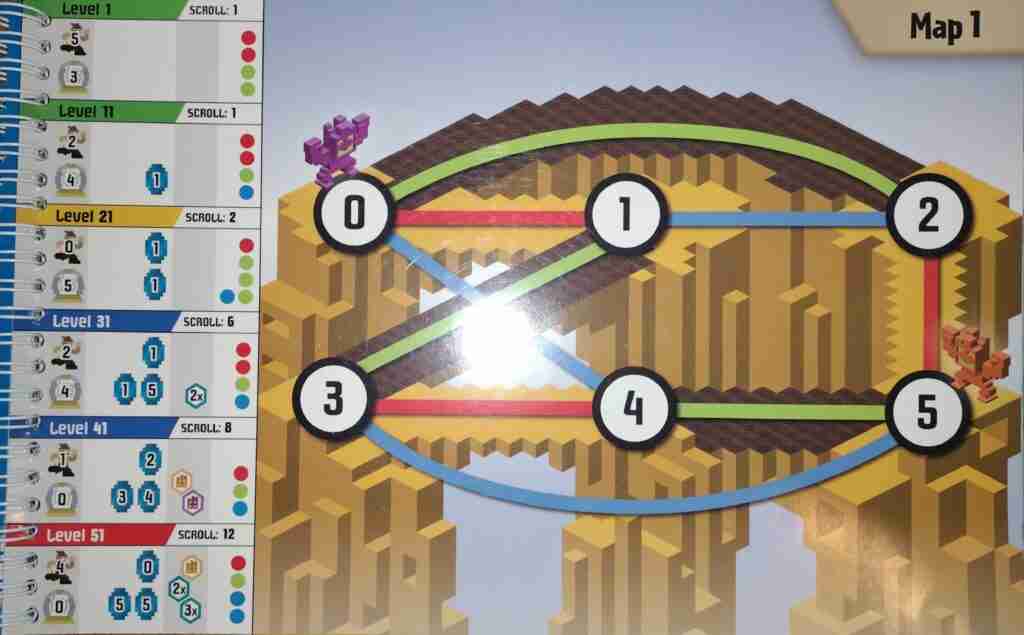
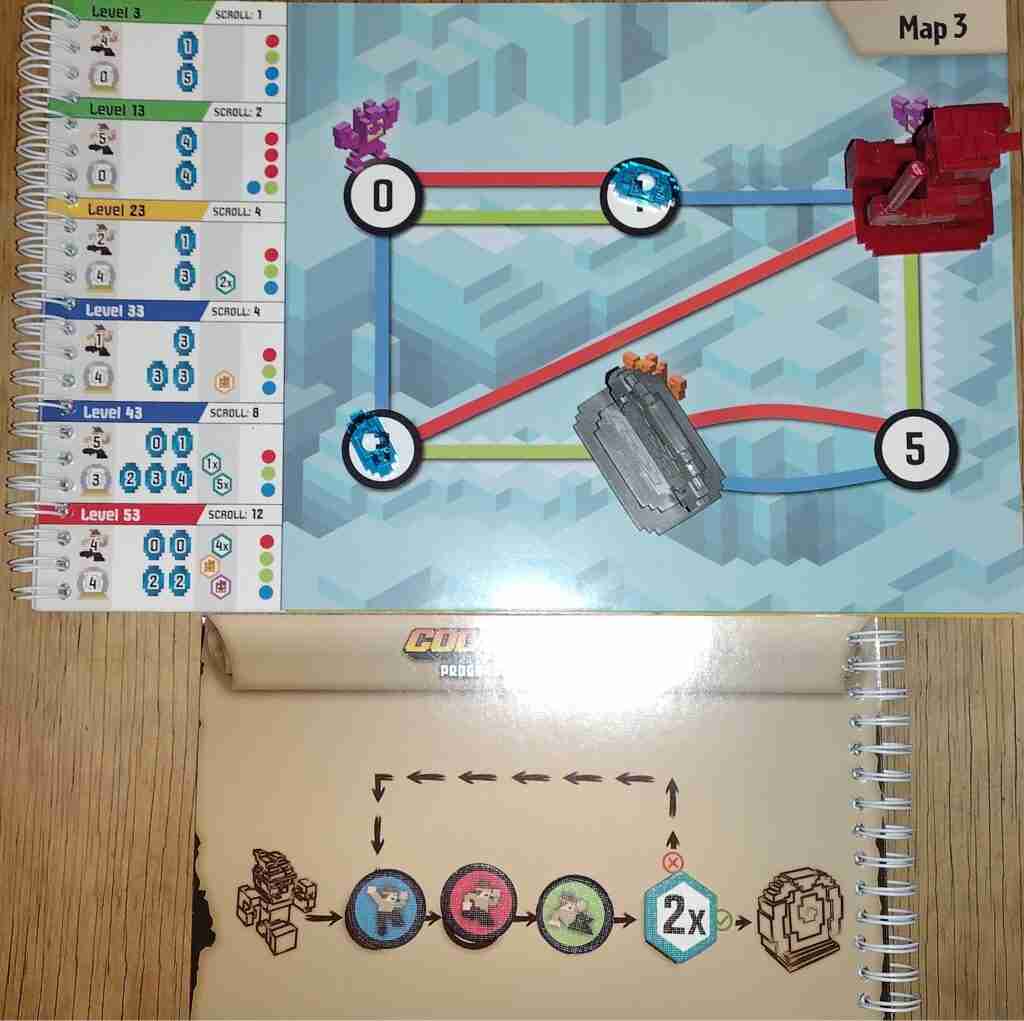
Code Master is a single-player logic game (puzzle?) in which using a map and a guide scroll, players use an avatar to collect crystals. The map indicates how many of each action token a player can use, where their avatar can start and finish, where to place crystals, and which conditional tokens can be used.
Code Master is a Screen-Free Coding Game
This game feels like it would work better as a computer game, honestly, but I love that it’s not. However, when using it with a child, I think it would work better if a parent were to operate the avatar, much like how they operate the turtles in Robot Turtles. Otherwise, I think it would be too easy for a child to not realize when they have made a mistake in their code.
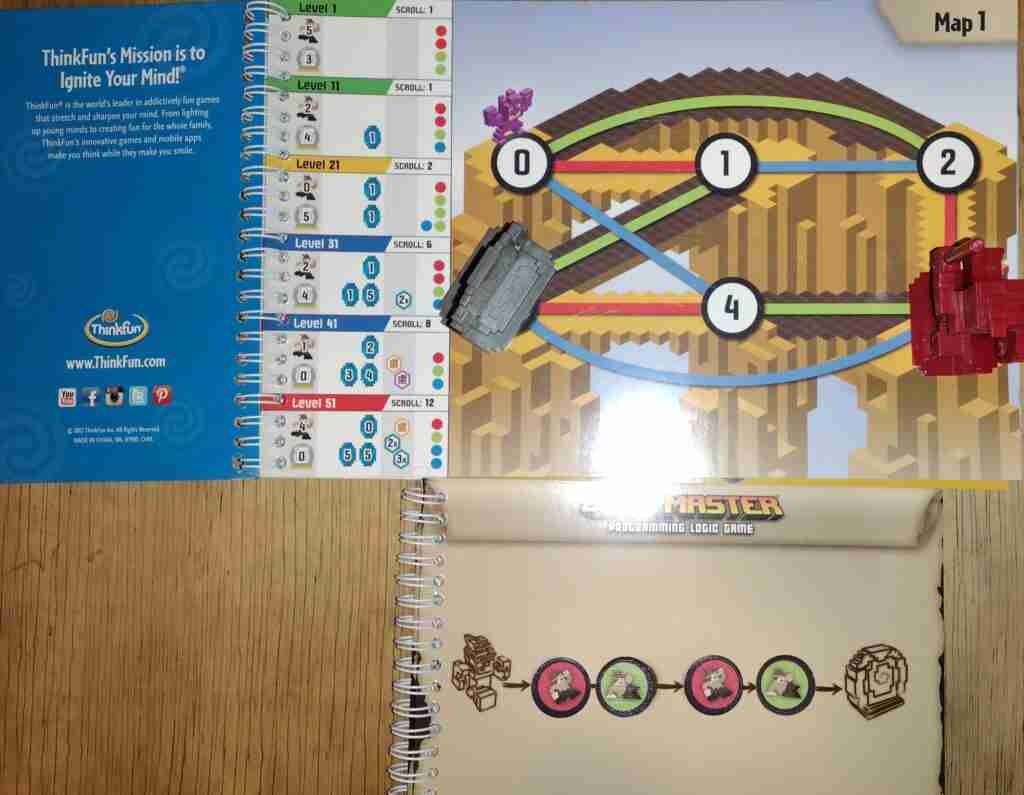

Solutions to each level are in the back of the instruction manual, however, as with other single-player logic games, there may be more than one way to arrive at a solution. There are 60 levels in this game, so players can advance through each one, building their skills as they go.
If you or your child loves puzzles and logic, Code Master could be a great addition to your game closet.