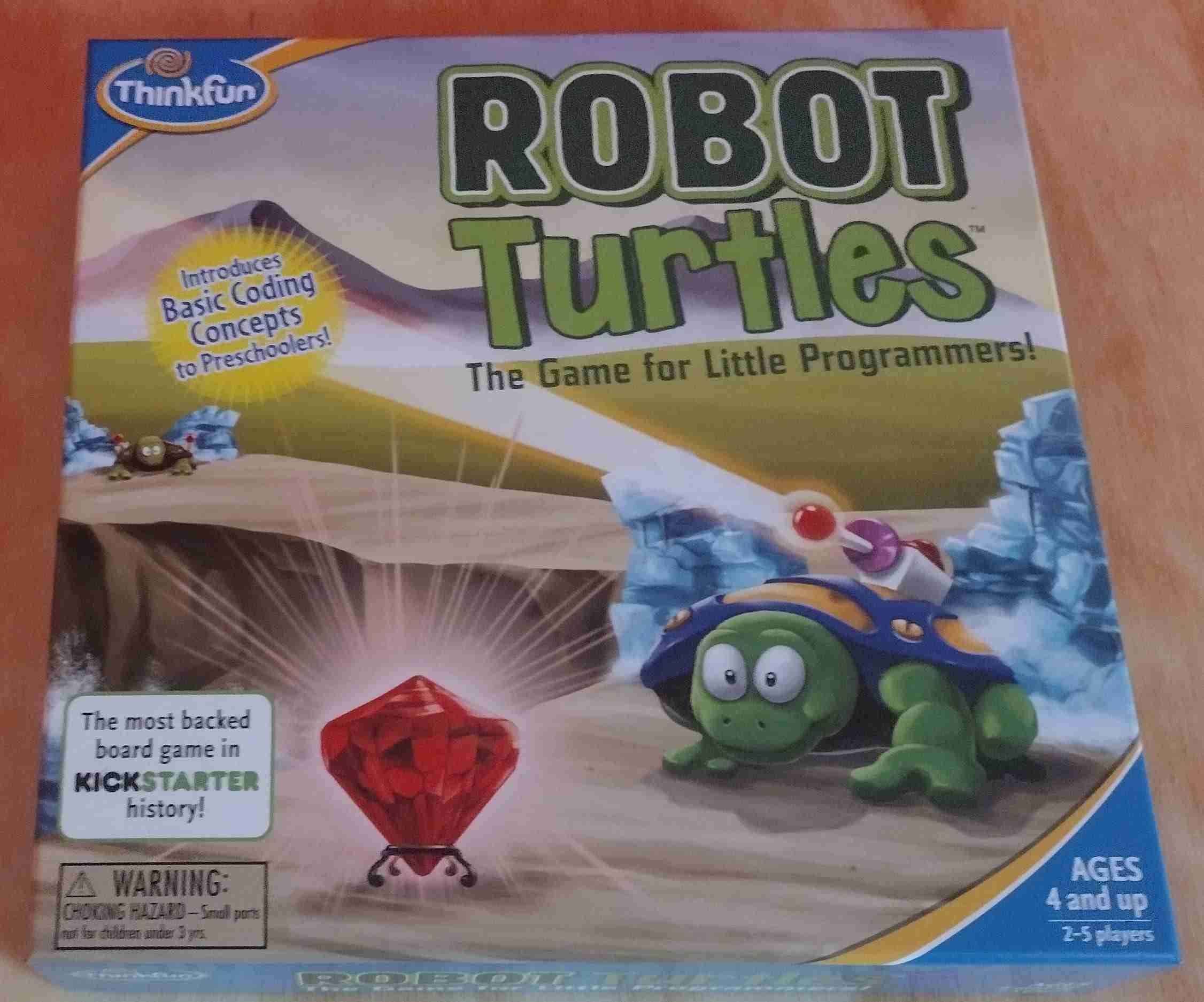
Do you have a young child who loves robots, coding, or even turtles? Are you wanting to introduce your child to coding in a friendly, fun way? Look no further than Robot Turtles! Robot Turtles is a great off-screen introduction to the world of programming.
This post may contain affiliate links, meaning if you click on it and make a purchase I’ll receive a small commission at no cost to you. As an Amazon Associate, I earn from qualifying purchases. For more information, please check our Privacy Policy and Disclaimers and Disclosures.
Robot Turtles is an adorable coding game perfect for preschoolers, but still challenging enough for more advanced coders. My son, at age 7, insisted he’d outgrown it, but I could still create a challenging course for him that he’d struggle with.
How to play Robot Turtles
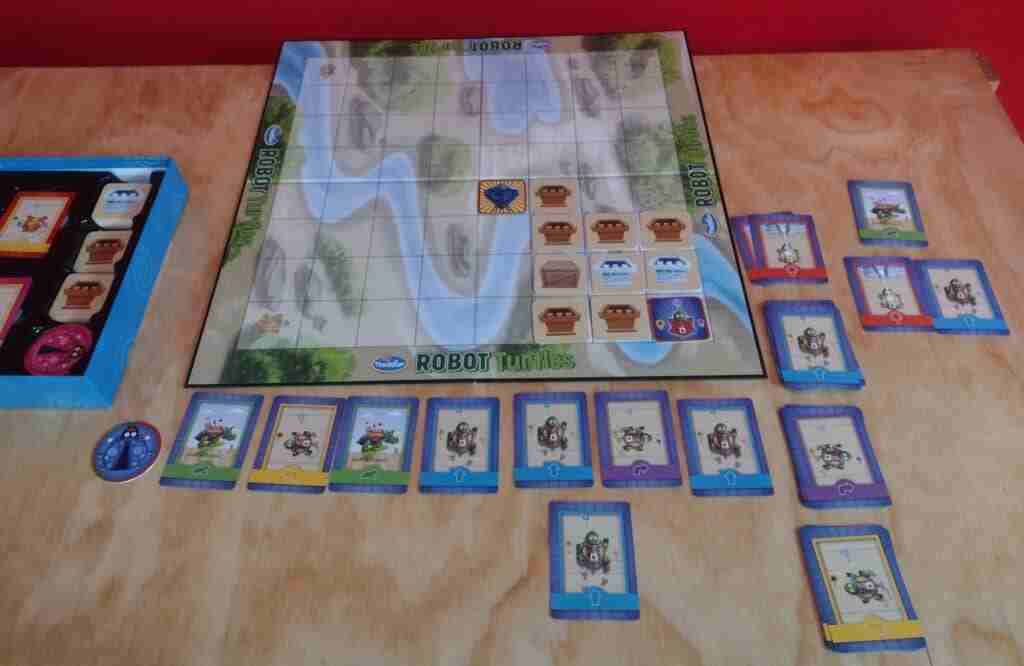
Basically, an adult creates an obstacle course for each kid playing. You want to make sure that you create the course in the sweet spot of difficulty – not too easy, and not too hard. You want it just a bit challenging, so it’s still fun. This can be a challenge, but if you start on the easier side you’ll both get the hang of things pretty quickly.

Then, the child creates a program to get their robot turtle through the course. When kids are inexperienced, let them put down one card at a time. As they get more experienced, encourage them to put down a few cards. After the card(s) is/are out, the adult moves the robot turtle.
Fun is part of the game
You’re supposed to make cutesy, fun sounds for the robot. I found this to be the most difficult as that’s just not who I am. It does make it more fun, once you can get over yourself. If the child realizes they made a mistake in their code, they yell “bug!” and hit a “bug card” (the circular token on the left that has a bug on it). This makes the adult move the robot back. (Either to the beginning, if the kid put out all their cards before having you run the program, or to the last step if they’re putting them out one at a time.) The child fixes the program, then it gets run again.

Robot Turtles is customizable for any level
I love the great variety of difficulty levels available. You could just use a few wall pieces, or there are boxes for pushing or ice walls to be melted. For really advanced coders, create a course that has a repetitive code, and have your young coder use the “function frog”. There are some sample courses included in the instructions. For greater replayability, the adult will need to create custom obstacle courses. An important part of Robot Turtles is that the adult is the only one touching the board. The child gets the cards to adjust but doesn’t touch the board or the course. I’ve found it works well to explain that my kiddo gets to boss me around via the code they’re creating.

Our conclusion: total hit!
This is a beautiful, high-quality game, totally worth the purchase price. Game components are sturdy and well-made. Playability is only limited by the adult and the child. I have heard of some people who hate the game, but it was a total win in our house. Still unsure? Watch our youtube play-through to get a better feel for if Robot Turtles is right for you.